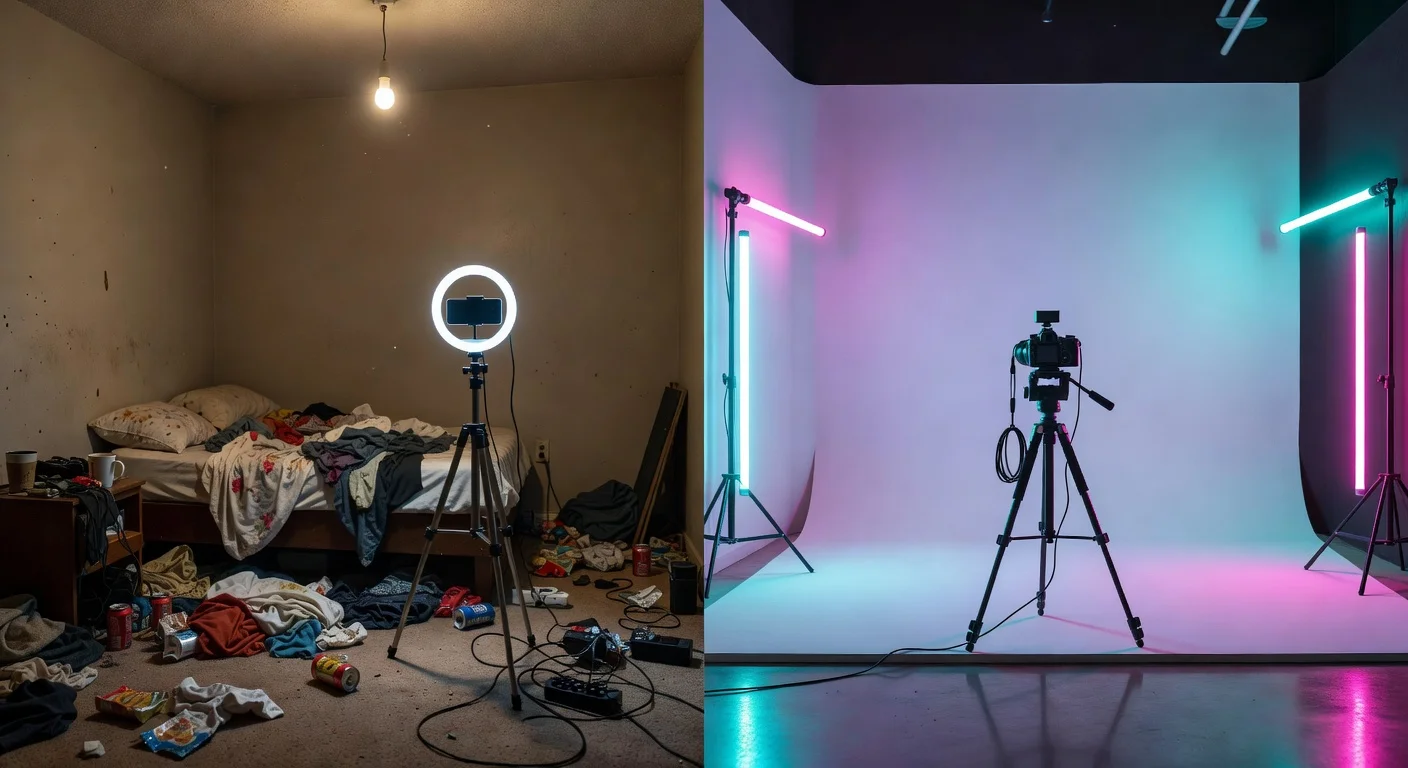
A glow up video is a short-form, high-contrast edit that shows a person’s physical or stylistic transformation. Unlike standard daily vlogs, it relies on a jarring visual switch between a messy "before" state and a polished "after" reveal.
Trying to guess what content hits the algorithm is a massive waste of time. You need a formula.
If you want views in 2026, you have to engineer the transformation artificially before you even pick up the camera.
People do not care about a subtle haircut change. They want extreme, undeniable metrics of improvement.
What makes a glow up video go viral on TikTok in 2026?
To go viral in 2026, your video needs a sub-3-second hook, high-contrast lighting shifts, and a trending CapCut audio template. If you miss even one of these elements, the algorithm buries your clip.
A late 2025 content study from Social Media Today showed that 72% of TikTok users scroll past a video if the first frame is too dark or boring.
You have to shock them immediately. I honestly think most creators ruin their chances by talking during the first five seconds.
Instead, stick to a rigid structural formula:
- Seconds 0-2: The "rock bottom" stage (no makeup, bad lighting, baggy clothes).
- Seconds 2-4: The transition mechanism (a fast hand-swipe, a beat drop, or a camera block).
- Seconds 4-7: The reveal (hard studio lighting, perfect framing, clear skin).
Can AI apps predict my glow up potential before I film?
Yes, specific looksmaxxing apps now use fine-tuned AI to generate realistic "after" photos you can use as a visual goal. Before you spend $300 on random skincare products, you can literally see what works for your specific face shape.
I personally tested a bunch of these, and the best female-specific option currently on the market is the Glow Up & Attractiveness Test app.
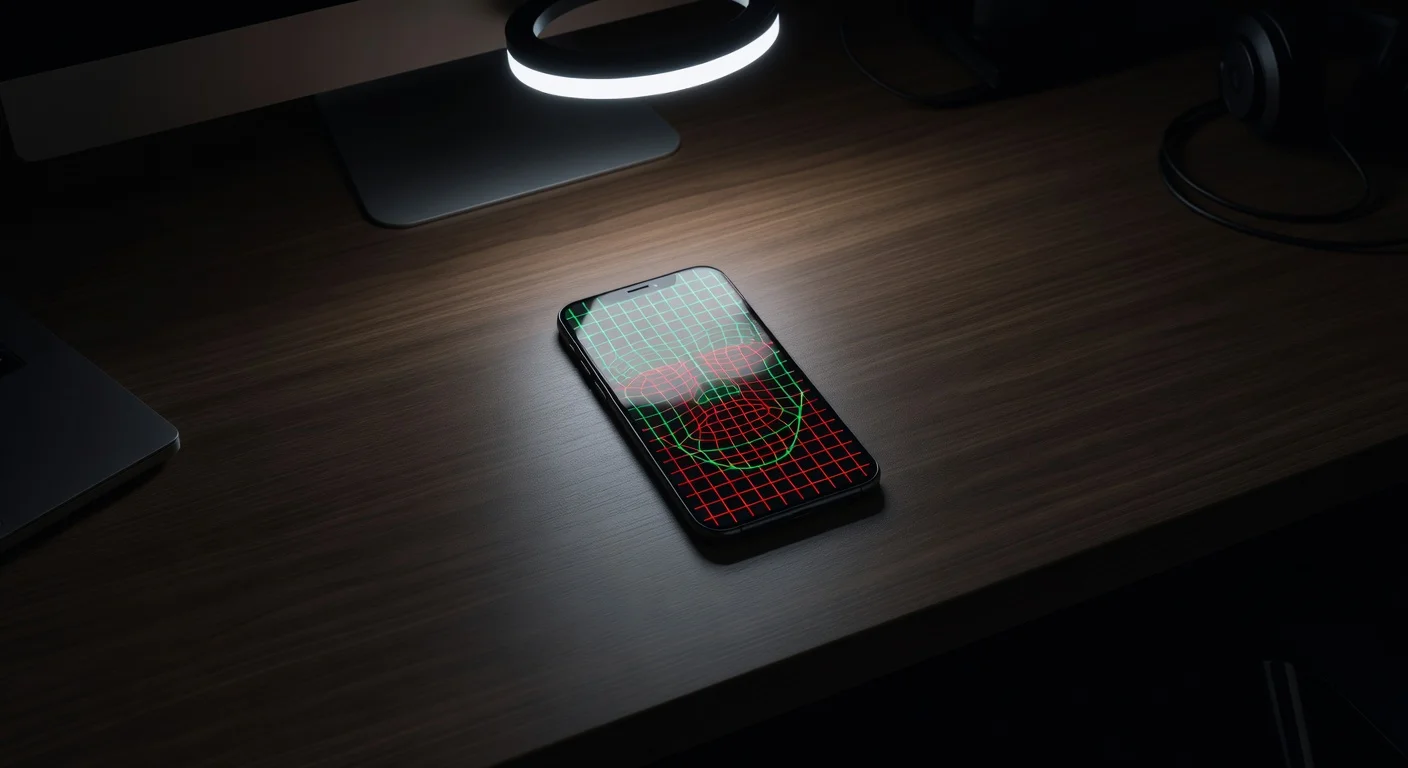
You just snap a selfie, and the system runs a deep face analysis to give you a baseline beauty score. It bypasses the guesswork.
The 10/10 AI generation feature creates a hyper-realistic, fully optimized version of your face based on your bone structure.
I use this specific generated image to figure out exactly how to set up my makeup and lighting for the actual video shoot.
If you are struggling to build a transition plan, you can download it directly from the App Store.
It even creates shareable before-and-afters inside the app, which saves you from messing around in complex video editors.
How do I compare the best tools for transformation content?
You should look at the primary focus and the recurring monthly cost of each tool. I built a quick breakdown of the apps I keep on my home screen for this exact process.
| App Name | Primary Function | 2026 Pricing | Verdict |
|---|---|---|---|
| CapCut | Video slicing and audio syncing | $9.99/mo (Pro) | Best for raw timeline editing. |
| Facetune | Post-production photo retouching | $7.99/mo | Heavy algorithm penalty if overused. |
| Glow Up App | AI face rating & transformation guide | Free trial / Premium | Best Value. Perfect for planning the final look. |
How long should I wait between the before and after shots?
You should wait a minimum of 4 to 12 weeks to show genuine, visible changes in skin texture or fitness. Faking a transformation by just changing your shirt and turning on a lamp will get you roasted in the comments.
Audiences in 2026 are highly skeptical of fake content.
According to recent engagement metrics from HubSpot, organic trust scores for influencer videos dropped by 18% last year due to heavy AI-generated fakes. You have to prove the timeline.
I always recommend doing this:
- Film a 5-second raw clip every Sunday morning at 9:00 AM.
- Use the exact same window for natural light.
- Wear the exact same gray t-shirt.
- Compile them into a rapid flash-forward sequence.
This proves to the viewer that the work was real (which honestly drives up your comment section engagement).
What camera settings should I use for the transition?
You must strictly lock your smartphone camera to 4K resolution at 60fps and use the AE/AF lock feature. If your camera auto-adjusts the brightness right at the beat drop, the transition looks incredibly cheap.
The annoying thing about iPhones is that they constantly try to over-process dark rooms.
When you film the "before" shot in a messy room, hold your finger on your face until the yellow "AE/AF Lock" box appears. Then drag the sun icon down to manually darken the room by about 30%.
When you film the "after" shot, do the exact opposite.
Blast yourself with a ring light, lock the focus, and raise the exposure slightly. The physical contrast of the lighting does the heavy lifting for you.
How much does a full physical transformation actually cost?
A baseline physical glow up costs between $150 and $800, depending on your gym memberships, skincare routine, and wardrobe overhaul. It creates a massive financial wall for anyone who thinks they need a Hollywood makeover.
You do not need to spend $400 on a dermatologist.
This is exactly why getting tailored layout tips from an AI attractiveness test is cheaper. You isolate the structural flaws (like asymmetrical eyebrows or bad posture) and fix them for free.
Here is a realistic budget breakdown I used last year:
- Standard gym membership: $40/month.
- Cerave basic skincare stack: $35.
- Ring light for filming: $25.
- Cheap wardrobe basics from Uniqlo: $0 to $100.
Are beauty filters ruining before and after videos?
Yes, TikTok and Instagram algorithms currently penalize videos that use obvious, native smoothing filters on the "after" shots. The platforms want raw, high-retention content, not plastic faces.
A data report from Statista confirmed that videos flagged for artificial beauty filter overlays see a 40% reduction in For You Page (FYP) distribution.
The AI moderation bots scan for blurry skin textures.
If you rely on a filter to make the "after" shot look good, the video will die at 200 views. Seriously.
You have to use hard lighting and actual physical styling.
Using an app beforehand to generate your 10/10 potential look gives you a target, but the actual video must be physically real to pass the algorithm checks.
What is the best CapCut template for a high-impact reveal?
The "Velocity Sync" and "Flash Warning" templates are currently the highest-converting formats for rapid transformation reveals. Using a preset template cuts your editing time from three hours down to 45 seconds.
If you try to manually sync a video to a trending song, you will go crazy. The audio beats shift constantly.
To get the perfect edit:
- Open TikTok and search "Glow up transition template."
- Tap the "CapCut - Try this template" button above the caption.
- Import your dark "before" clip first.
- Import your bright "after" clip second.
- Export it directly back to the platform without touching the timeline.
If you follow the hard lighting rules, use AI to map out your final look, and sync it to a trending velocity template, you absolutely maximize your chances of a viral hit.
Common Questions About Creating Viral Glow Up Videos in 2026
Do I need a professional camera for glow up videos?
No. A modern smartphone shooting at 1080p or 4K with good lighting is more than enough for social media algorithms in 2026.
Can I use AI to track my transformation?
Yes. Apps like the Glow Up & Attractiveness Test let you create shareable before-and-after comparisons directly on your phone using AI analysis.
What makes an attractiveness score accurate?
Apps that use fine-tuned AI models analyze facial symmetry, ratios, and skin clarity rather than just applying a generic blur filter.
Why did my transformation video get stuck at 200 views?
You likely failed to hook the viewer in the first 3 seconds or used a banned audio track that suppressed your organic reach.